Your servers at a glance
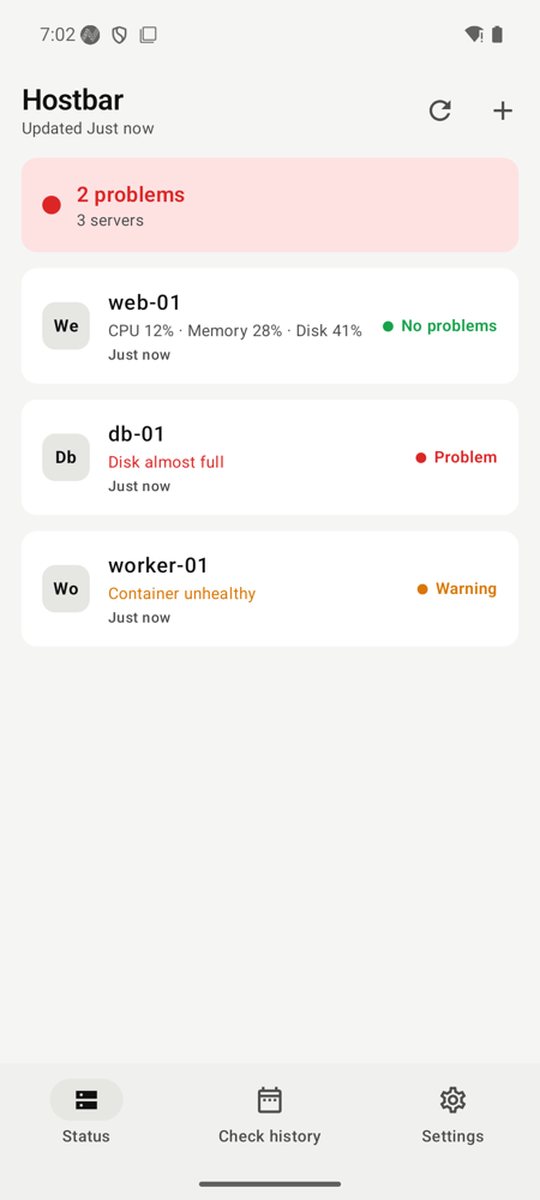
Read CPU, memory, disk and Docker status from your Linux servers over SSH. Nothing is installed on the server, nothing is changed, and your key never leaves the device.
- Healthy
- Warning
- Critical
Coming soon to the App Store and Google Play.
For Mac, iPhone, iPad and Android.
What it does
No agent
It connects over SSH, runs one fixed read-only script and leaves. Nothing is installed on the server.
CPU, memory, disk, Docker
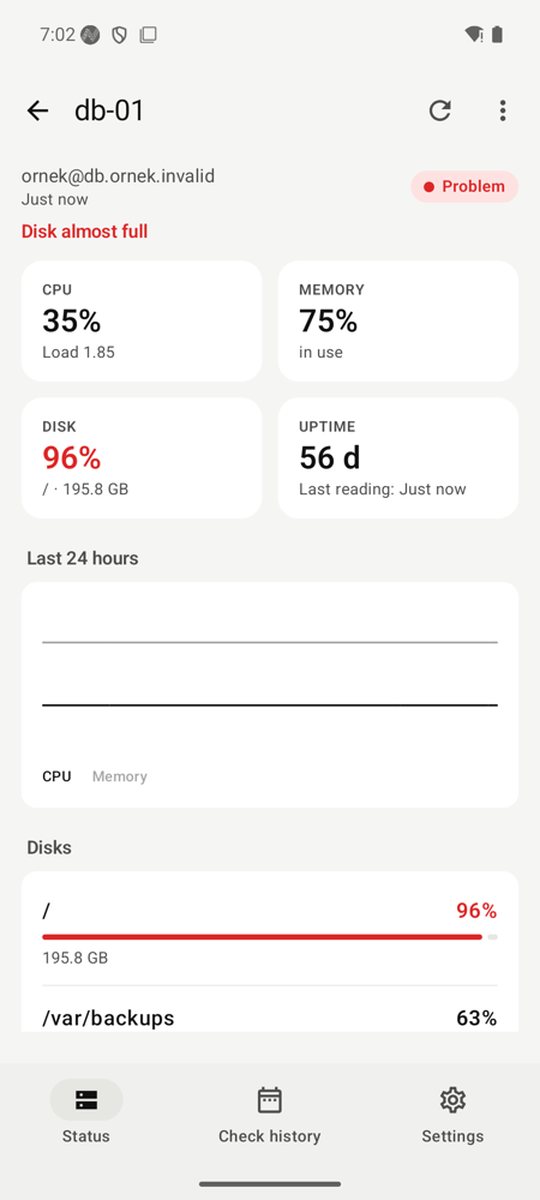
Load, uptime, disk partitions and container health, with a 24-hour chart.
Notified only on change
A disk filling up, a container stopped, a server unreachable, a server's key changed.
Your key stays on the device
The ed25519 key is made on the device or imported, and never leaves the Keychain or Keystore.
Menu bar and widgets
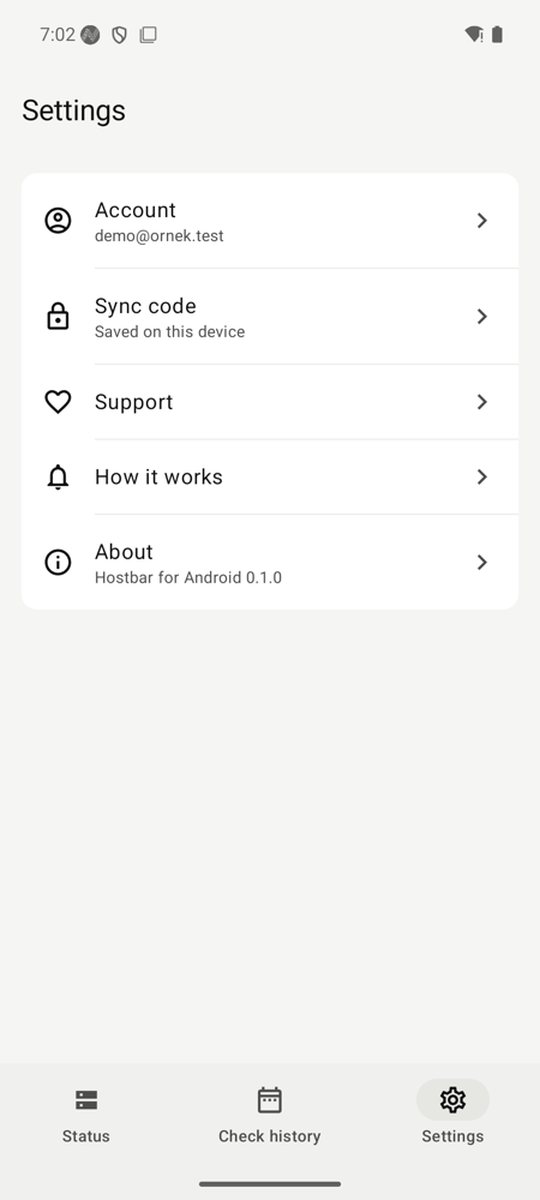
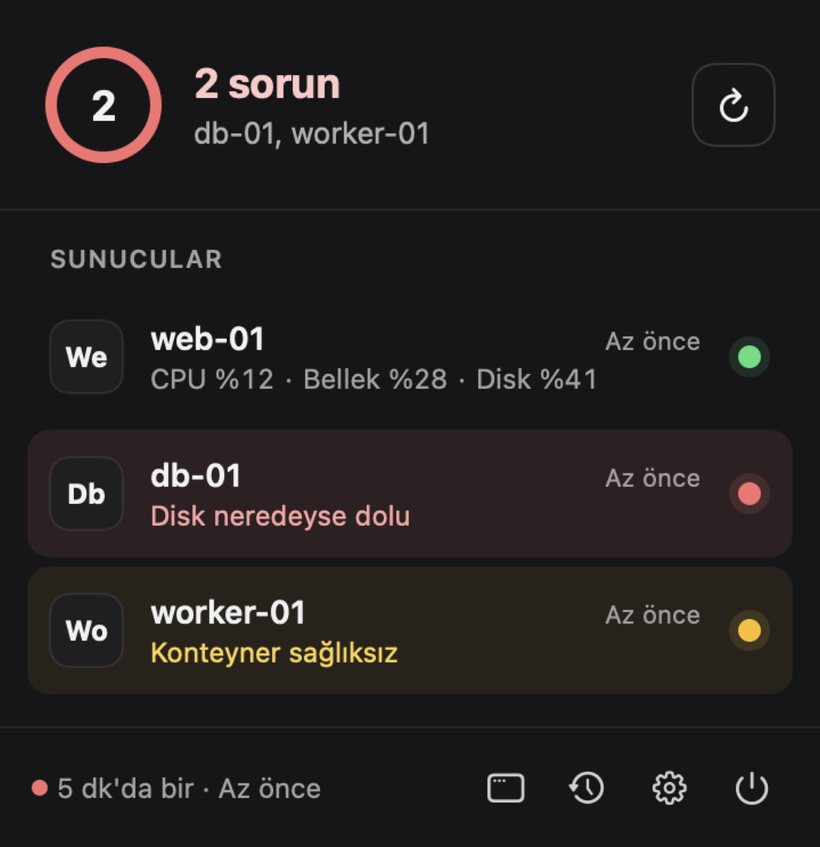
The most urgent server in the Mac menu bar, and on the Home Screen on iPhone, iPad and Android.
Check history
Shows in numbers how often your device really checked your servers.
What runs on the server
This is the only command Hostbar can send to a server. It only reads and takes no input. Optionally, a strict mode line makes the server itself allow only this command: the key cannot run anything else, and terminal, file transfer and forwarding are off.
echo HOSTBAR 1;
echo '#cpu'; grep '^cpu ' /proc/stat; sleep 1; grep '^cpu ' /proc/stat;
echo '#mem'; cat /proc/meminfo;
echo '#load'; cat /proc/loadavg;
echo '#uptime'; cat /proc/uptime;
echo '#df'; df -P -k;
echo '#docker'; if command -v docker >/dev/null 2>&1; then docker ps -a --no-trunc --format '{{json .}}' 2>&1; else echo NO_DOCKER; fi;
echo '#end'
The strict mode line starts with restrict,command="…" and comes ready in the app; copy it into authorized_keys.
Plans
Free
- 2 servers
- Every notification and widget feature
- No account needed
Subscription
- 15 servers
- The same features, more servers
- Supports development
Prices are shown in the stores. Apple or Google takes the payment. You can also leave a one-time tip; it unlocks nothing.
Honest limits
- The Mac checks at your chosen interval (1, 5 or 15 minutes) while it is awake and Hostbar is running.
- On iPhone, iOS chooses when background checks run, and they can be hours late. Opening the app updates it at once.
- At best, Android checks about every 15 minutes; the system restricts apps that are not opened for a long time.
- Hostbar does not replace critical production alerting. It sits next to server-side monitoring, for a quick look.
Privacy
- No ads, no tracking.
- The account is optional. Without one, everything stays on your device.
- With an account, your server list is encrypted on your device and reaches the cloud unreadable. The sync code never leaves your devices.
- SSH keys, server keys and readings are never uploaded.
- The app only connects to the servers you add.
Questions
When is it out?
It is not released yet, and there is no date. Download links will appear here once it is in the stores.
Which devices does it run on?
macOS 14, iOS and iPadOS 18, and Android 9 or later. On the server side, any Linux reachable over SSH; Docker is optional.
What do I install on the server?
Nothing. You add the public key the app gives you, optionally with the strict mode line, to a user's authorized_keys.
Do I need root?
No. Everything it reads is open to an ordinary user. To see Docker, that user needs access to Docker.
Do I need an account?
No. An account is only for syncing your server list between your devices.
What if I lose my phone?
The key stays on that phone and cannot leave it. Delete that key's line from authorized_keys on the server.